
How TenQueue works
A quiz for your team in three steps: create it in a chat, check and test it, and play live on the big screen.
1. Create the quiz
Ask ChatGPT, Claude, Copilot or Gemini for a quiz, for example: “Make a pub quiz for 40 colleagues with a round about our company and an estimation round.” Your assistant first asks a few questions about the occasion, the teams and the topics. Then you paste the quiz into TenQueue. With the TenQueue connector in ChatGPT or Claude, your assistant adds it for you. Prefer to type it yourself? You can do that in the editor too.
You choose from three types of question: multiple choice with 2 to 4 answers, true or false, and estimate, where the closest answer wins the points. Any question can have a photo, video or sound clip. For a music round, you note which song the quizmaster plays in the room. A quiz has up to 25 questions. You provide the facts about colleagues yourself; TenQueue doesn't make them up.
2. Check it and test for free
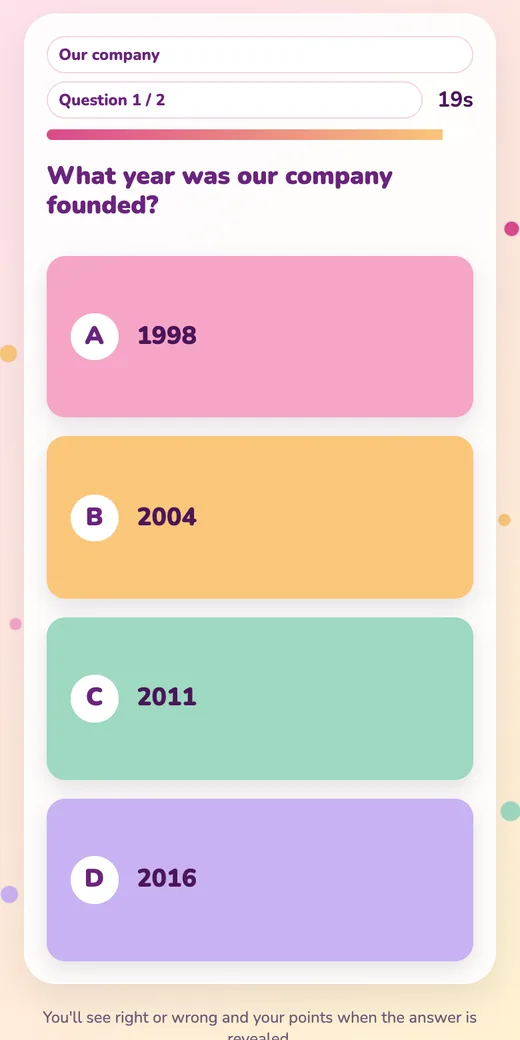
The editor shows all the questions and answers. You add photos, video or sound, for example for a baby photo round or “Who said this?”, and choose your brand colours: enter your website or logo, and the screen and phones take on your colours. With a free test game you play the quiz with 3 phones, so you see exactly what your colleagues will see.
3. Play live
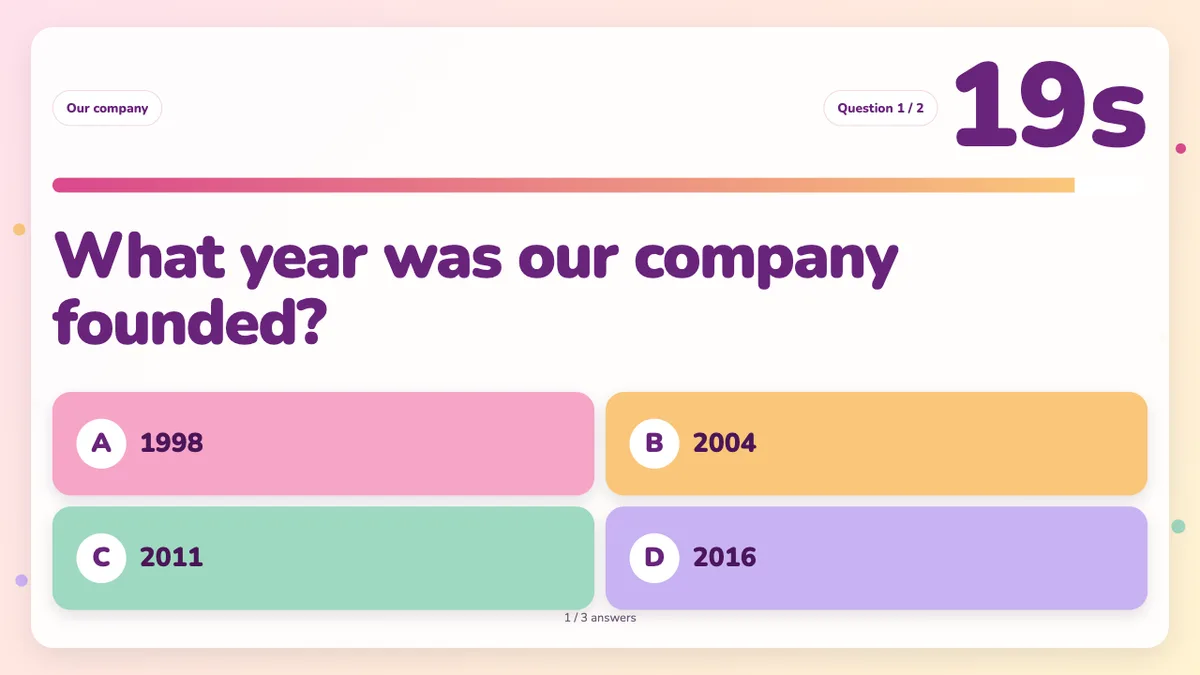
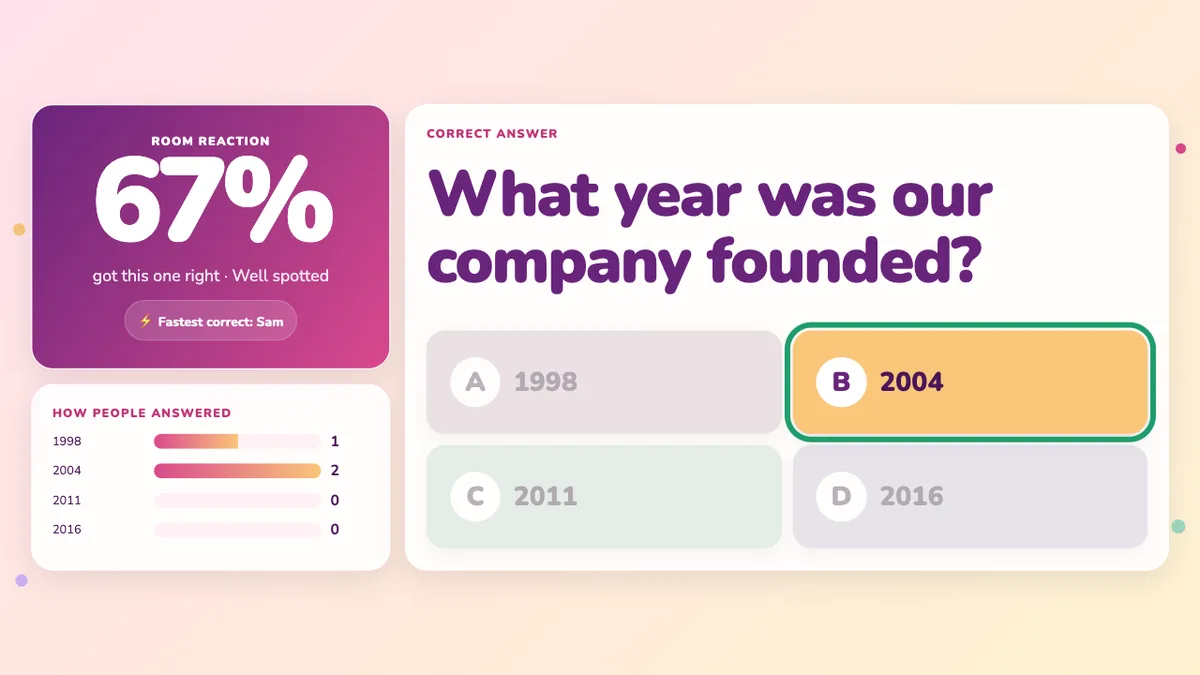
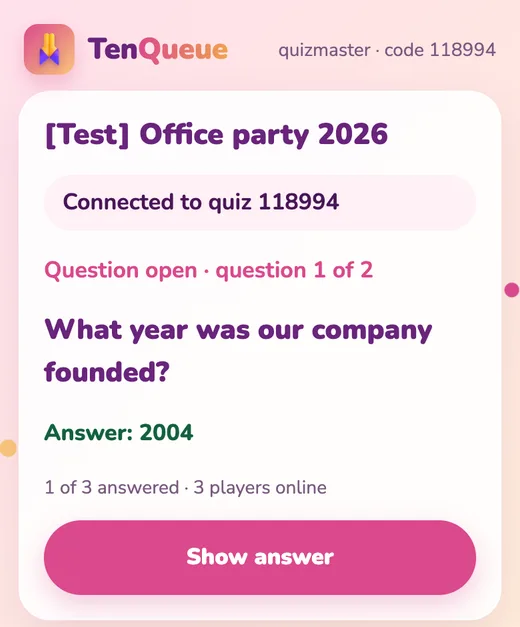
One quiz credit (€2.99) puts the quiz live for up to 100 players. Open the presentation screen on the projector: it shows the QR code and the code to join. Players pick a team and a name, with no app or account. You control everything from your own phone: start a question, show the answer, the scores and the finale.
What do you need?
- A screen or projector with a web browser
- Your own phone to run the quiz
- Internet for the players, through Wi-Fi or mobile data